VXDIAG diagnostic for ford
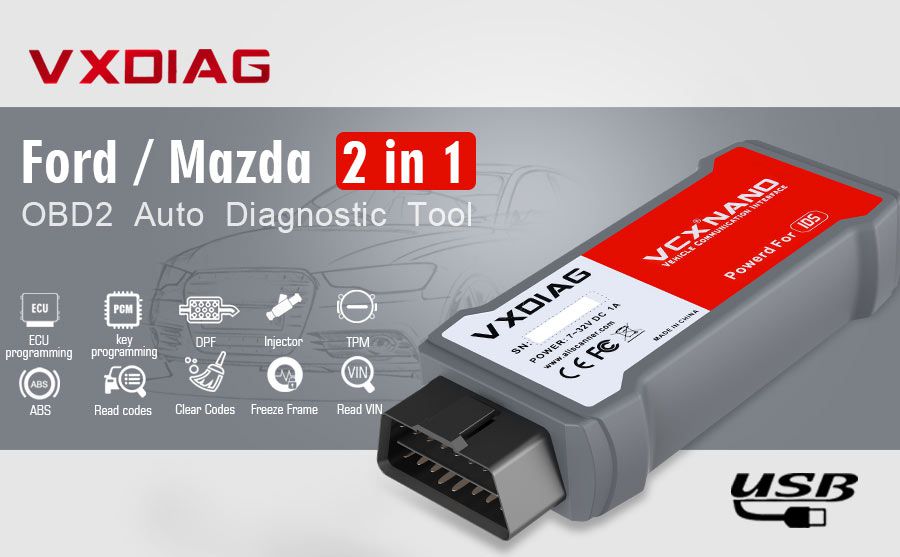
Vxdiag VCX Nano for Ford/Mazda 2 in 1One device supports both Ford and Mazda, Support vehicle 2005- 2022 yearLatest software version: Ford V129.01, MAZDA V129.00
VXDIAG VCX Nano for Ford/Mazda 2 in 1 Diagnostic Tool For Car From 2005- 2022 is a one of our VXDIAG diagnostic for ford Tools, you can buy VXDIAG VCX Nano for Ford/Mazda 2 in 1 Diagnostic Tool For Car From 2005- 2022 from chinaobd2.com.
Wholesale AutokeyUnlocker Mini KR, Thinkdiag2, TabScan T6XENTRY C6 Launch CRP129 HD, Scania VCI3
images of VXDIAG VCX Nano for Ford/Mazda 2 in 1 Diagnostic Tool For Car From 2005- 2022
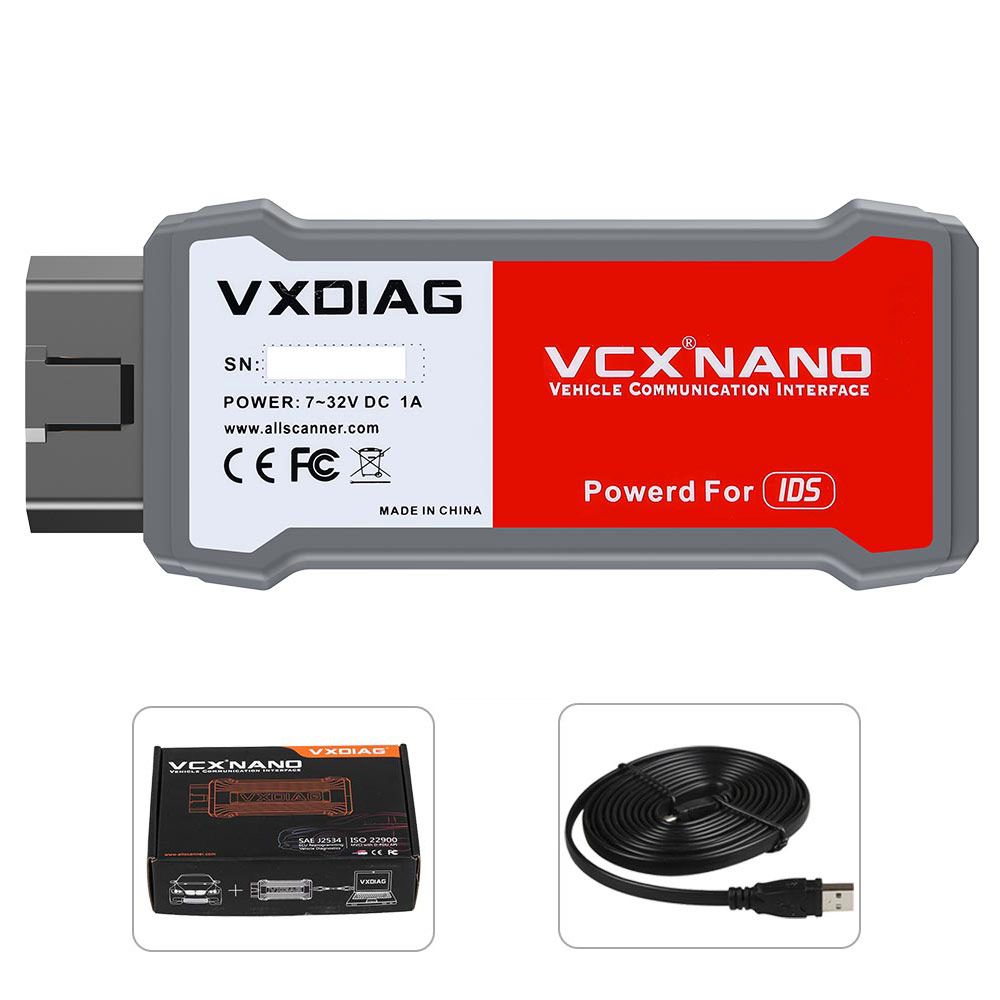
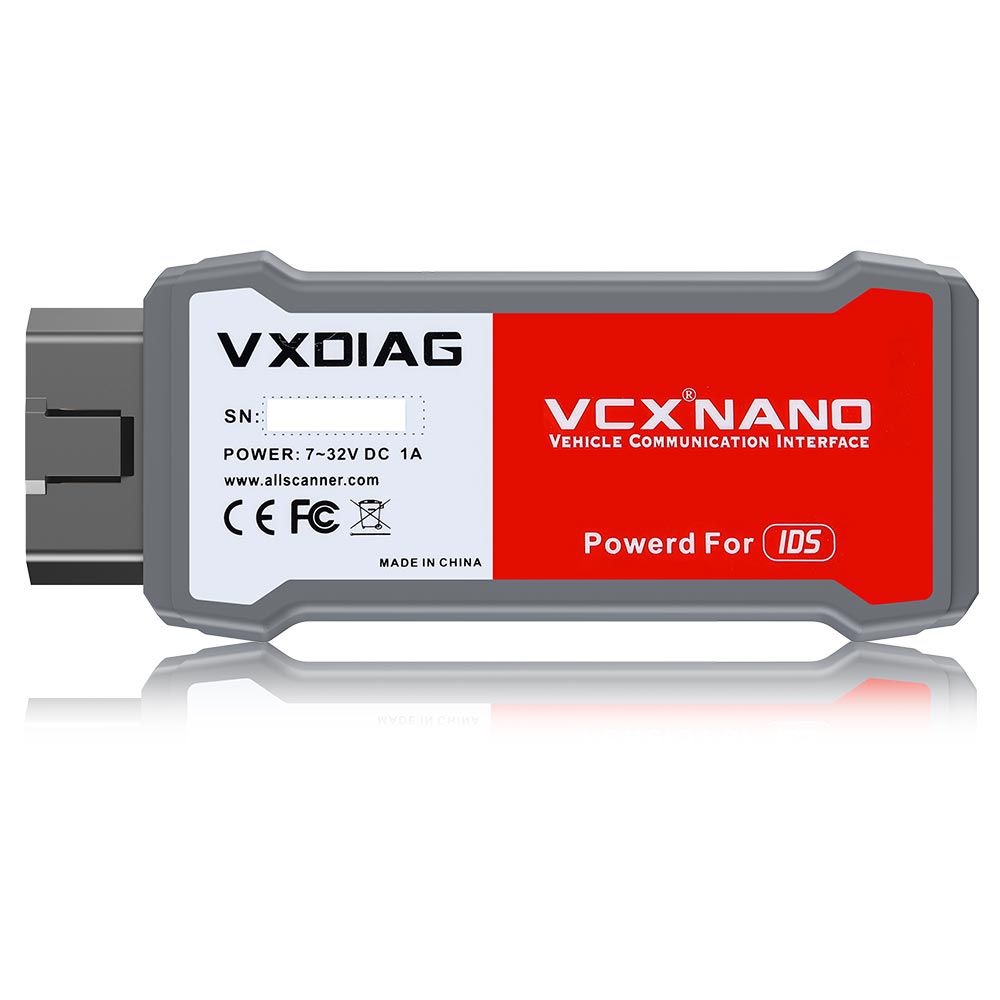
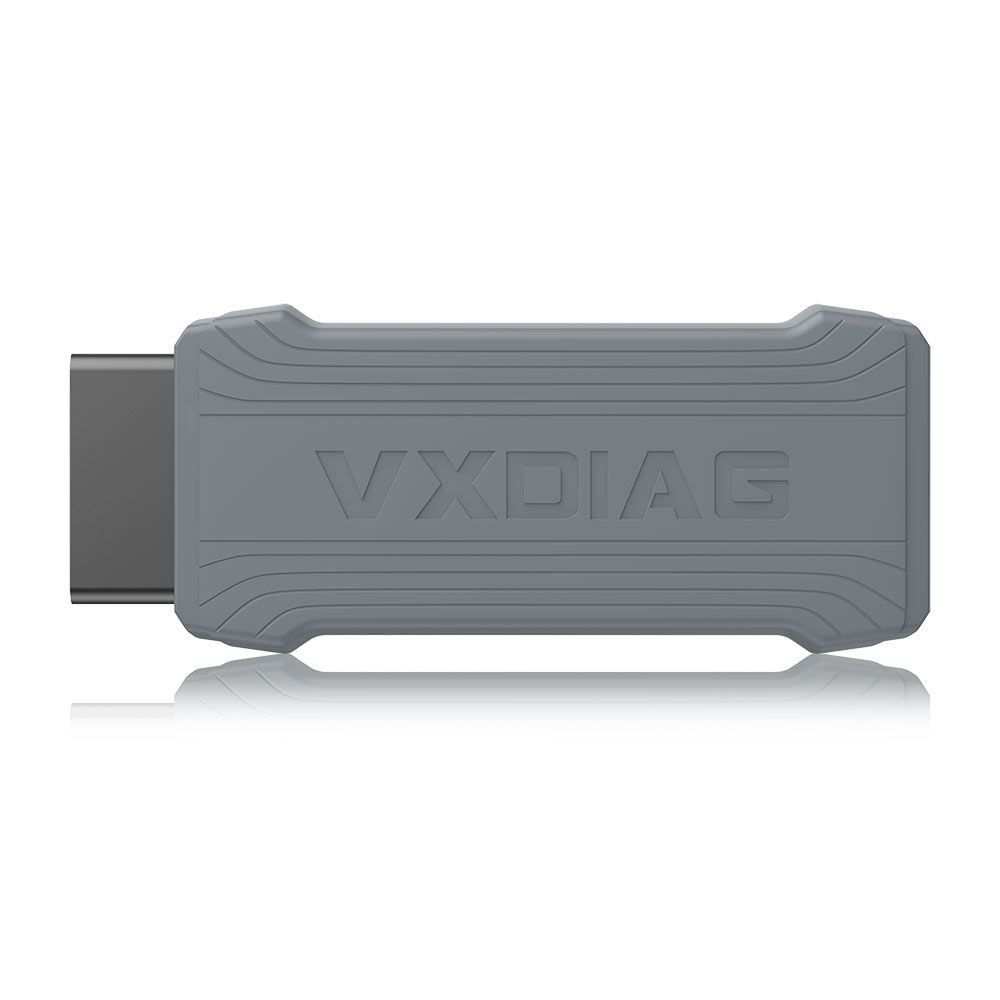
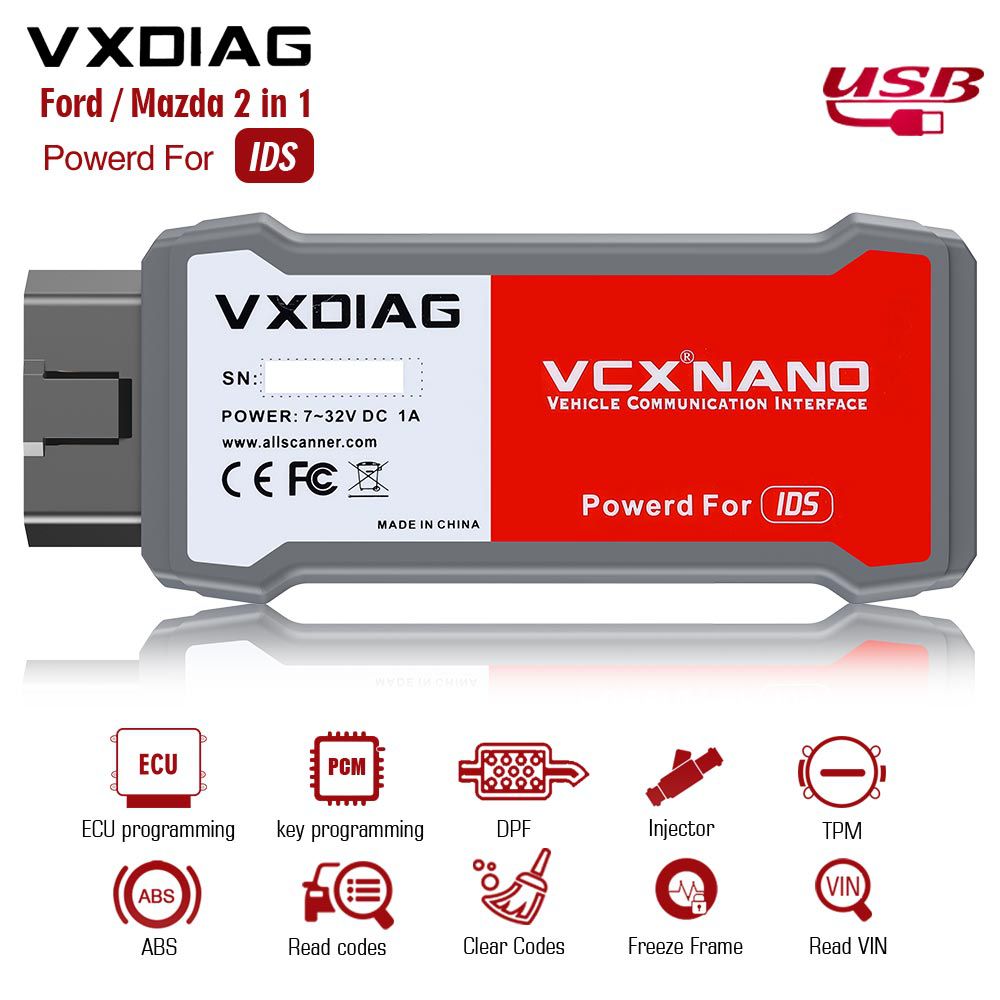
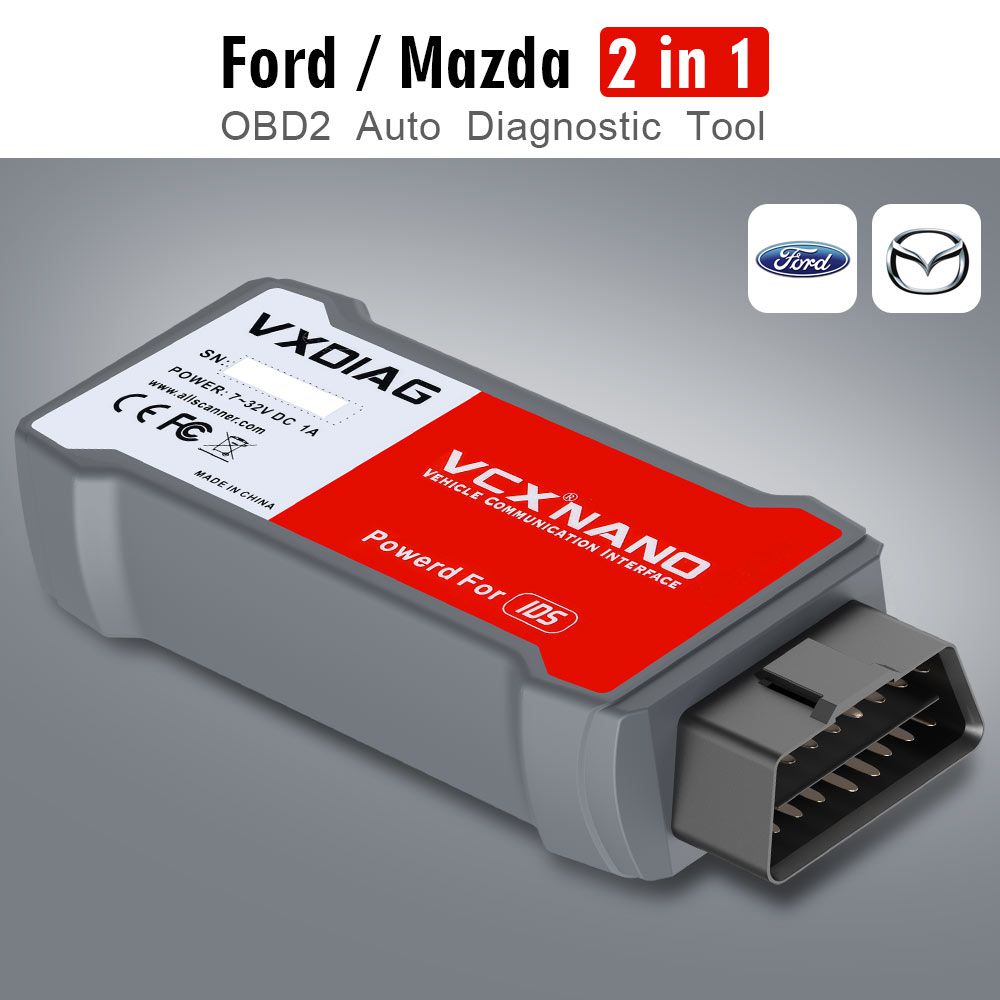
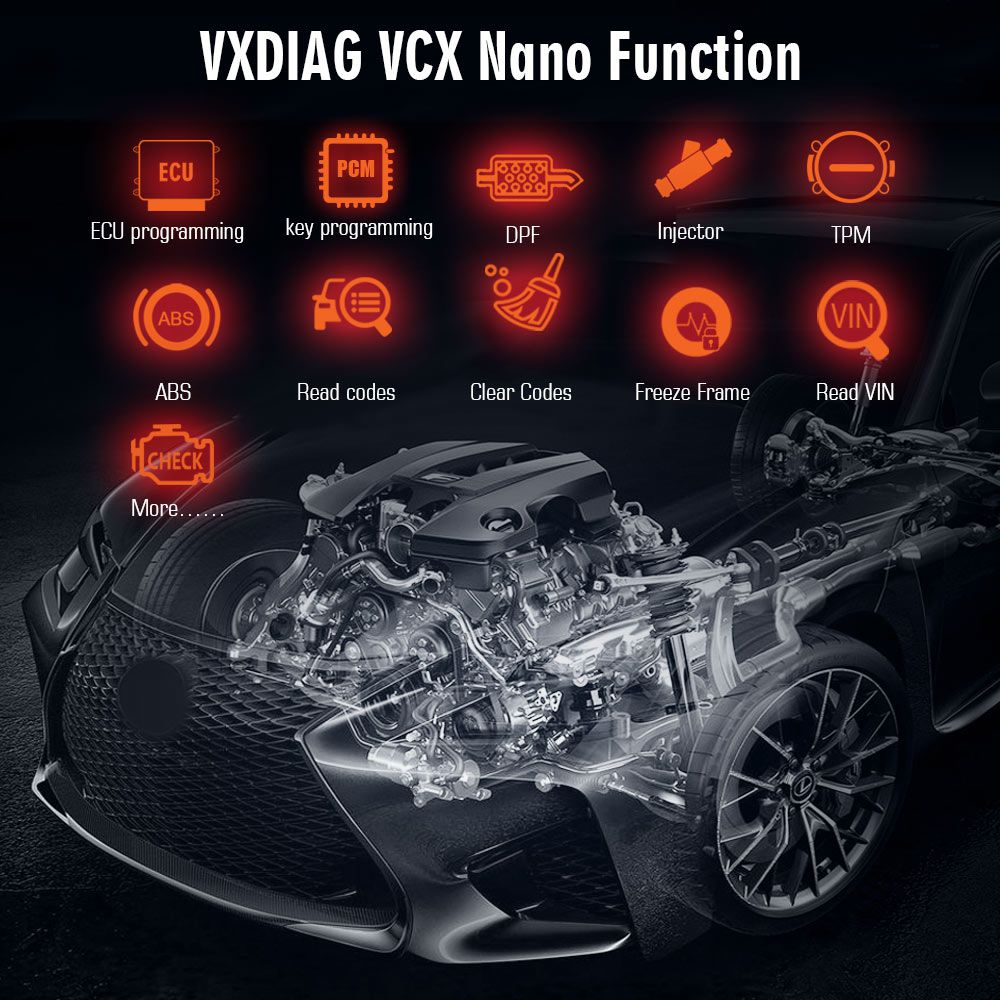
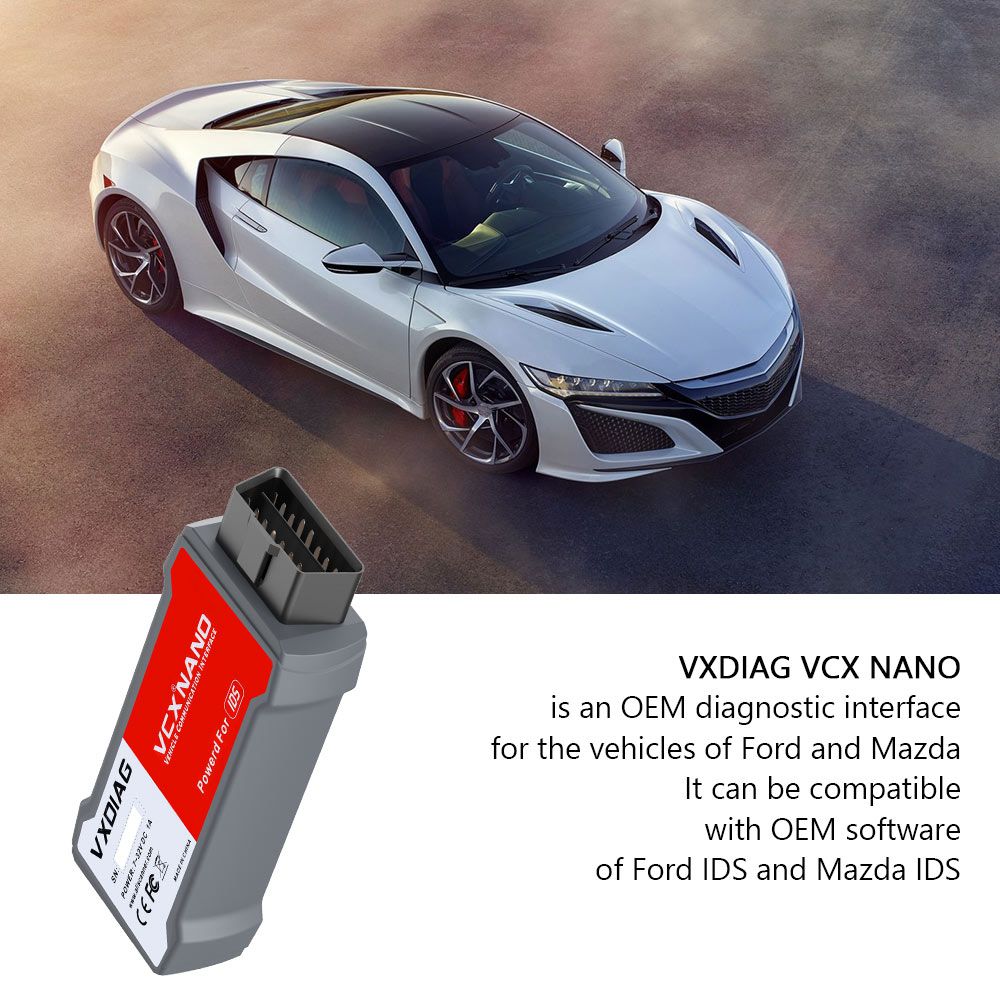
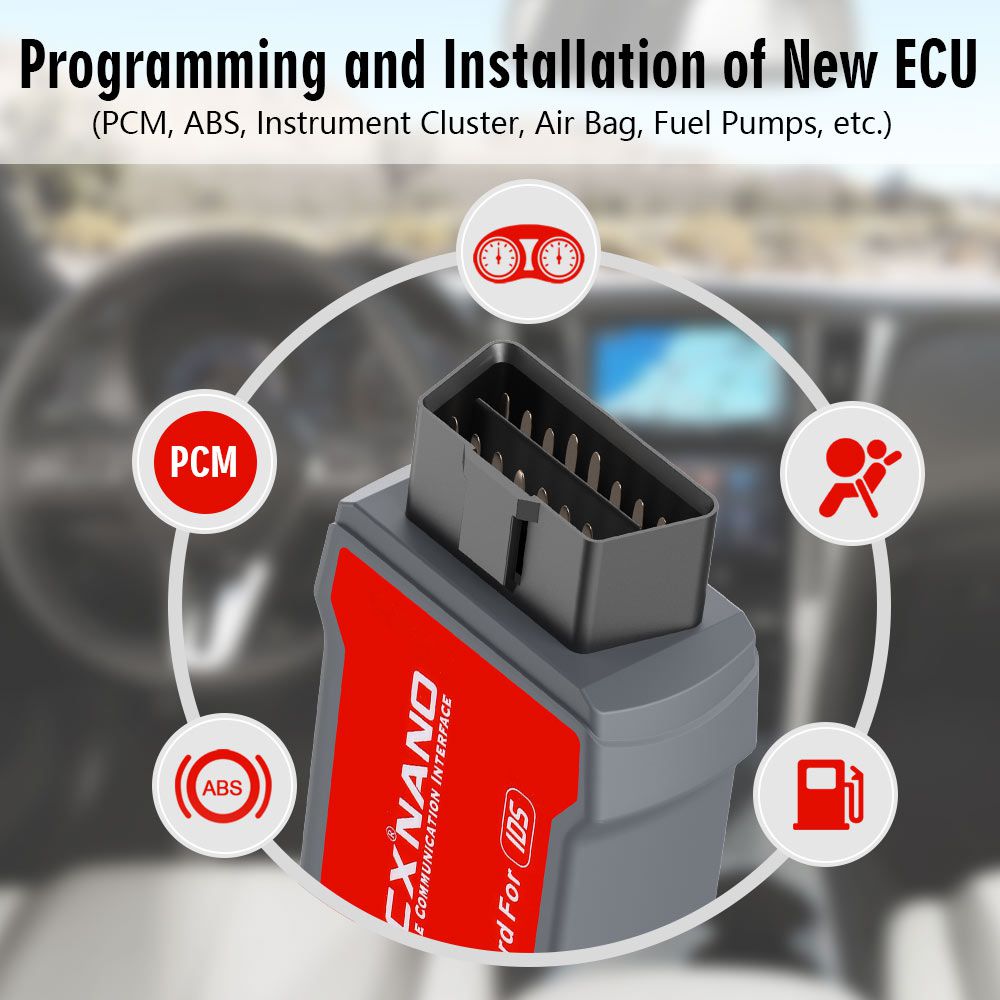
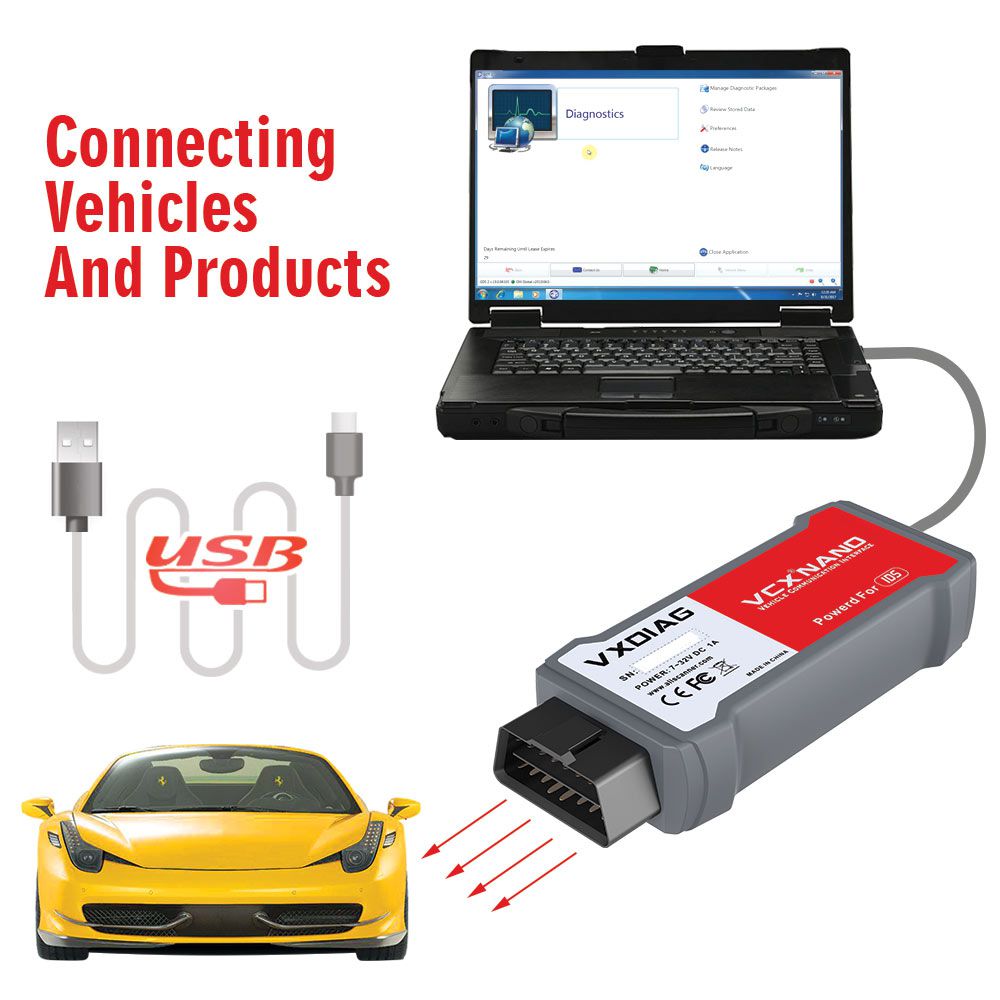
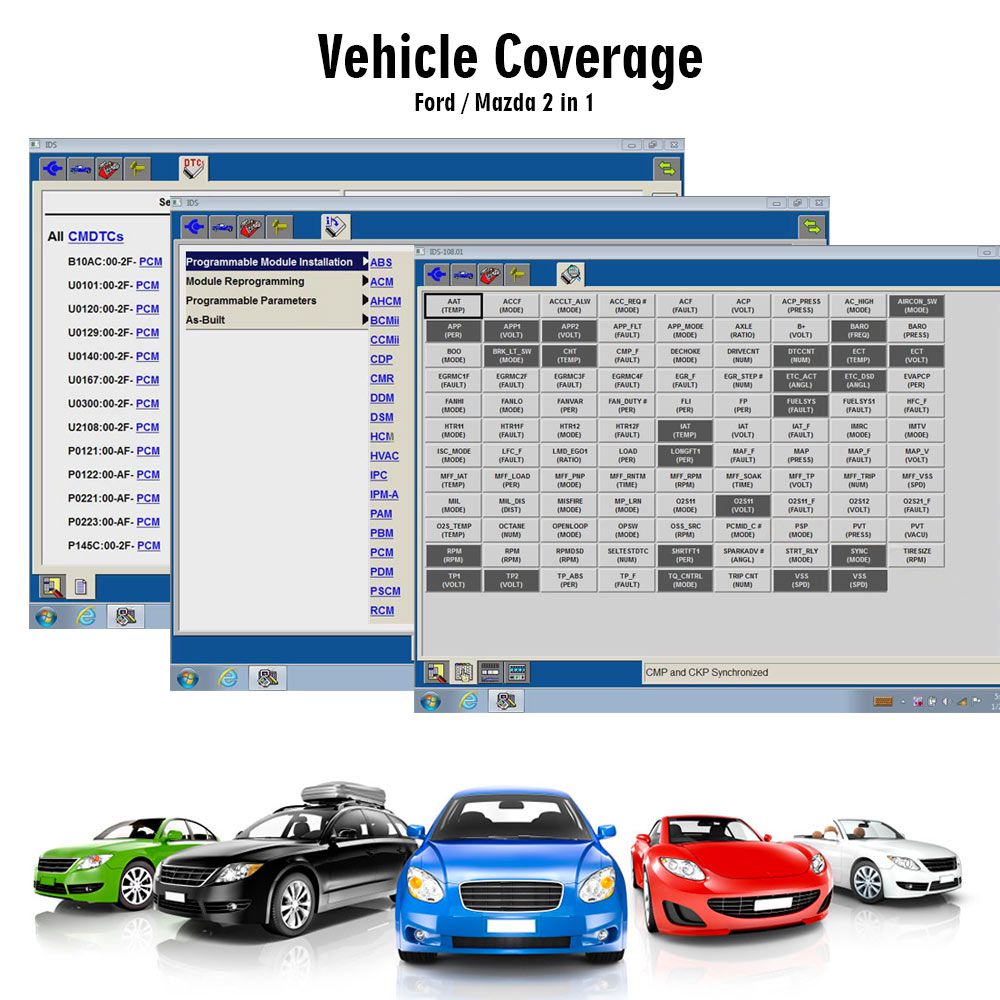
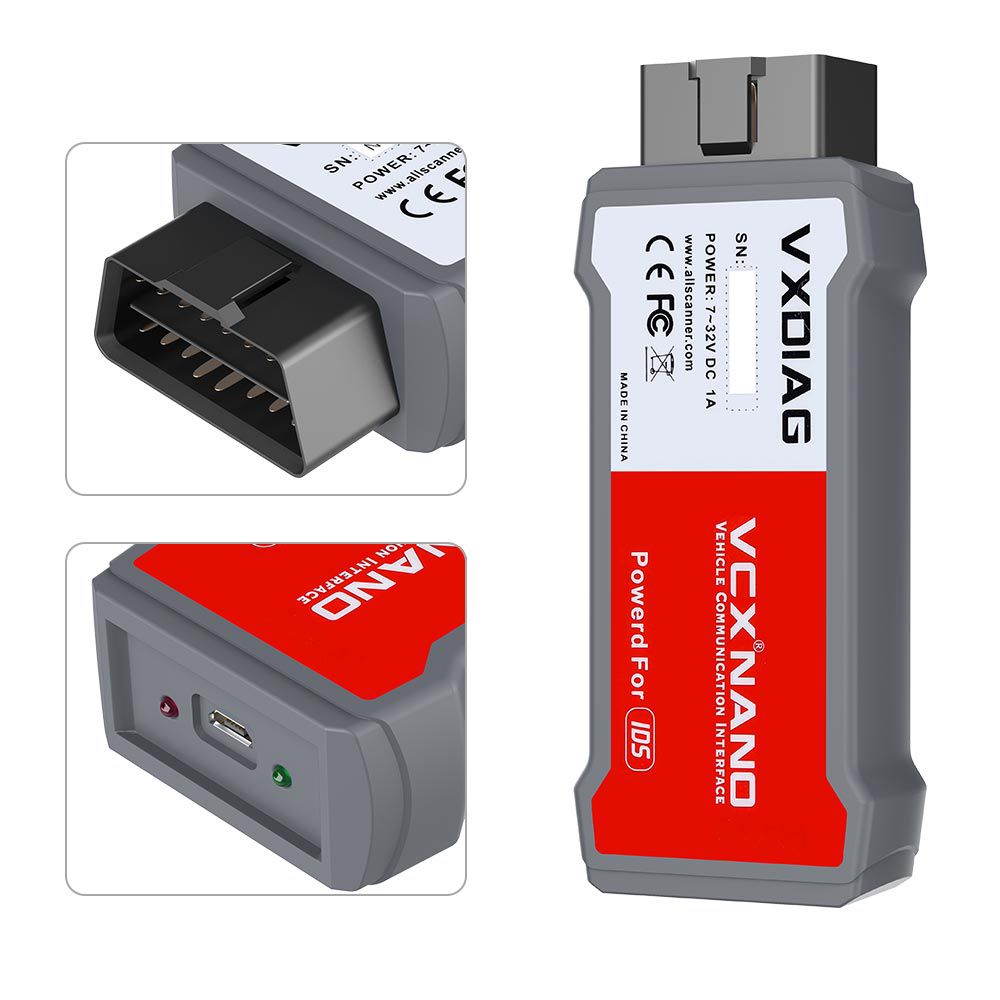
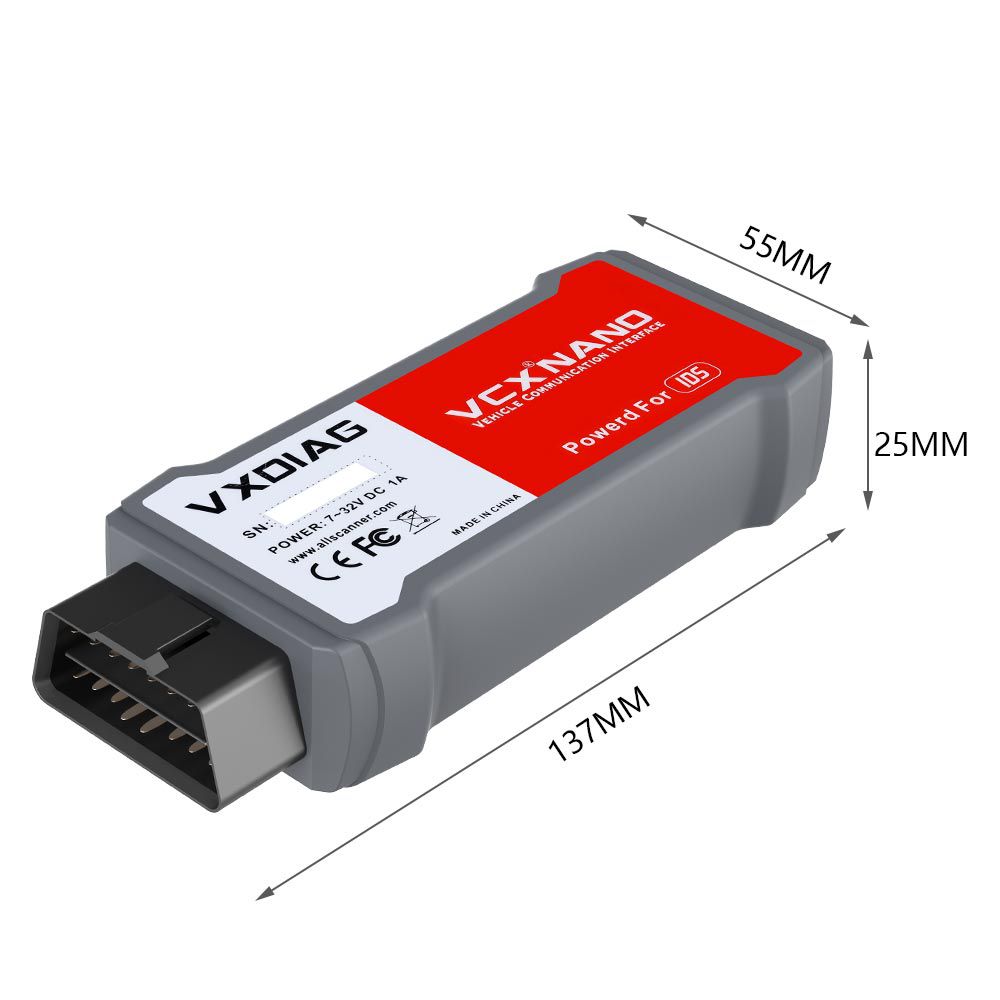
VXDIAG VCX NANO for Ford/Mazda 2 in 1
Top 5 Reasons to Get VXDIAG VCX NANO for Ford/Mazda
- Ford IDS Version: V129, Mazda IDS Version: V129
- Perfect replacement for Ford VCM 2
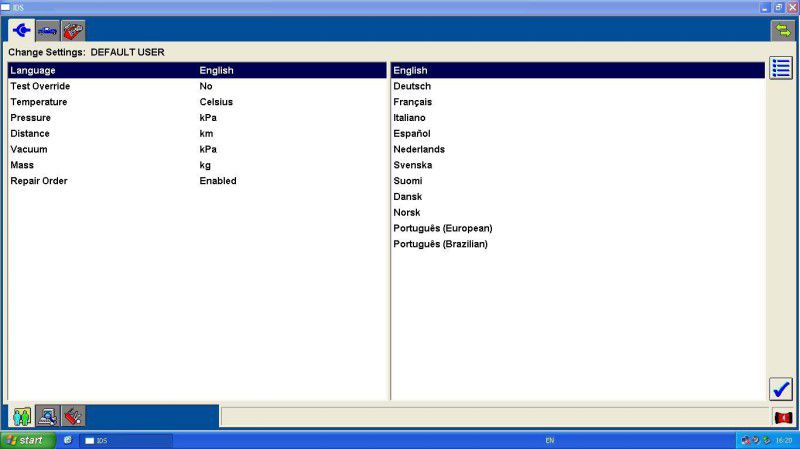
- Supports Multi-Languages: English, German, French, Italian, Spanish, Dutch, Slovenian, Finnish, Danish, Norwegian, Portuguese (European), Portuguese (Brazil)
- Update via CD with unlocked firmware
- Supports both new and old vehicles from 2005 to 2022, including Ford F-Series models after 2010
Free Download IDS V125 Software for VXDIAG
- Ford IDS V129
- Mazda IDS V129
- Ford_Mazda IDS Patch
Computer Requirements for VXDIAG VCX NANO
- Operating System: Windows 7, Windows 8, or Windows 10 (32-bit and 64-bit)
- Minimum 4GB RAM
- Computer manufactured after the year 2000 (older systems may not run the software)
- No other diagnostic software should be installed; Ford IDS and Mazda IDS must be installed on separate Windows systems
VXDIAG VCX NANO Installation Steps
- Install the official IDS diagnostic software and restart the computer.
- Install the VCX client (VX MANAGER) and install the Ford-type driver at this stage.
- Connect the Ford VCX device and run “Ford_IDS_FIx.exe”. After installation, desktop shortcuts will be created.
Important Notice:
- Always launch the diagnostic software by clicking “Ford_IDS_FIx.exe” — using the original IDS shortcut will not work.
- The diagnostic software must be installed before the device driver.
VXDIAG VCX Nano Description
VXDIAG VCX NANO is an OEM diagnostic interface for Ford and Mazda vehicles, fully compatible with Ford IDS and Mazda IDS OEM software.
Compliant with the SAE-J2534 (Pass-thru) standard, the VCX Nano connects to a computer via high-speed USB 2.0 and Bluetooth, supporting most vehicle communication protocols. It is widely used by automakers for ECU online diagnosis and reprogramming and works with both third-party and OEM diagnostic software. As the updated version of the Ford/Mazda VCM2 scanner, the VXDIAG VCX NANO supports both new and older Ford and Mazda vehicles up to 2015, offers multi-language support, and can be updated via CD with unlocked firmware.
VXDIAG VCX Nano Functions
- Programming & installation of new ECUs (PCM, ABS, instrument cluster, airbag, fuel pumps, etc.)
- Live data-stream with recording & playback for main ECUs
- Read & clear diagnostic trouble codes (DTCs)
- Set, adjust, or remove speed governors
- Automatic vehicle recognition
- New software re-flash for existing ECUs
- All other dealer-level functions
- Steering angle resets
- Guided fault finding
- Program new keys
- DPF regeneration
- Brake bleeding
- Injector coding
VXDIAG VCX NANO for Ford/Mazda Language Support
Customer Experience: Quick Guide for Success with VXDIAG VCX NANO and IDS V97
A customer who purchased the VXDIAG VCX NANO with IDS V97 shared the following setup steps:
- Use the virtual machine installer from the Ford IDS CD V97 to install a VM and create a virtual machine.
- Inside the virtual machine:
- Install calibration files from the V81 CD.
- Install V91 from the V97 CD and reboot without opening the software.
- After rebooting, open the software, accept the 3-day license, and enter any details.
- Close the software, then install V96 and reboot again without opening the software.
- After rebooting, the software can be opened normally.
- Finally, install the VX device software from the V97 CD.
- Optionally, install Deep Freeze (included on CD V97).
The customer noted they are still testing the VXDIAG scanner and will report full results soon.
Functions Tested Successfully
- Record and play back live data for ABS, PCM — tested OK
- Program and install new ECUs (PCM, ABS) — tested OK
- Read and clear DTCs — tested OK
- Program new keys for Mazda 6 — tested OK
- Set, adjust, or remove speed governors — tested OK
- DPF regeneration — tested OK
- Automatic vehicle recognition — tested OK
- All other dealer functions — tested OK
- Reset steering angle — tested OK
- Guided fault finding — tested OK
- Injector coding — tested OK
VXDIAG Ford FAQ
- Q1: I have original software. Can VXDIAG VCX use this software?
- A1: Yes, you can use the original software, but you must use our driver.
- Q2: Can Ford IDS and Mazda IDS be installed on the same computer?
- A2: Only if installed via virtual machine (VM) method. Without VM, they cannot coexist on the same system.
- Q3: Does Ford IDS require VMware installation?
- A3: Versions V113 and above do not require VMware installation.
- Q4: Does it support online programming?
- A4: Yes, but you need your own online account. We do not provide online accounts.
Package Contents
- 1 x VXDIAG VCX NANO Ford/Mazda 2-in-1 Main Unit
- 1 x USB Cable
- 1 x Carry Case
Go to Buy: VXDIAG VCX Nano for Ford/Mazda 2 in 1 Diagnostic Tool For Car From 2005- 2022